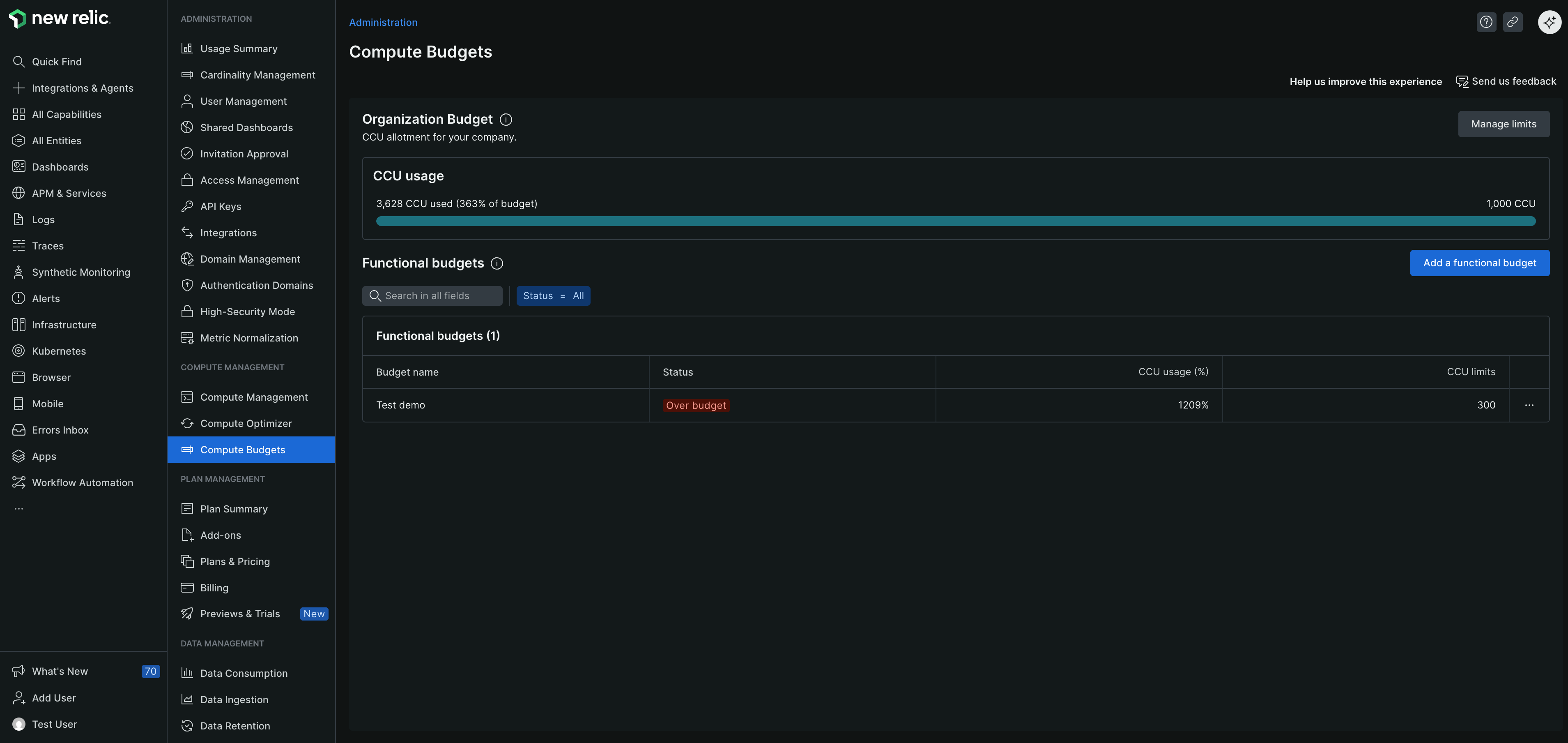
Compute Budgets provides a mechanism to monitor and alert on your Compute Consumption Unit (CCU) usage. This helps you stay within your ideal usage limits and effectively manage costs. With Compute Budgets, you can:
Proactively monitor costs: Move from a reactive to a proactive approach in budget management. This allows you to anticipate and address budget issues before they arise.
Reduce manual effort: Minimize the manual work required to track and monitor compute usage. This enables you to focus on higher-value tasks.
Improve confidence and adherence to budgets: Gain greater insights into your compute spend, enhancing your ability to adhere to budgets and effectively manage costs.
Importante
Compute Budgets allows you to monitor and alert on your Compute Consumption Units (CCU) usage. It does not restrict or otherwise monitor consumption of CCUs.
Prerequisites
To use Compute Budgets, you must:
- Sign up for a New Relic account.
- Have a contract commitment on either Core or Legacy Compute Capacity Units (CCUs).
- Have a minimum commitment amount defined on the Compute SKU.
Customer structure requirements
Your access to Compute Budgets features depends on your customer structure:
- Single-tenant customers: You can create and manage organization budgets and account level budgets for your organization.
- Multi-tenant customers:
- Managing organizations: You can create and manage customer budgets, organization level budgets for managed organizations, and account level budgets for your managing organization.
- Managed organizations: You cannot create or manage budgets.
Access controls
For single-tenant customers
- Users with the
organization_managerrole can create, update, or deleteOrganization Budgetandaccount budgets, provided they also have access to the telemetry account. - Users with the
organization_read_onlyrole can viewaccount budgets, provided they also have access to the telemetry account. - Users who don't have access to the telemetry account cannot view the
Organization Budget, but they can viewaccount budgetsif they have access to those accounts.
For multi-tenant customers
Managing organizations
- The Compute Budgets tab is visible to users in managing organizations.
- Users in managing organizations can create and manage customer budgets, organization level budgets for managed organizations, and account level budgets.
Managed organizations
- Users in managed organizations cannot access the Compute Budgets tab.